
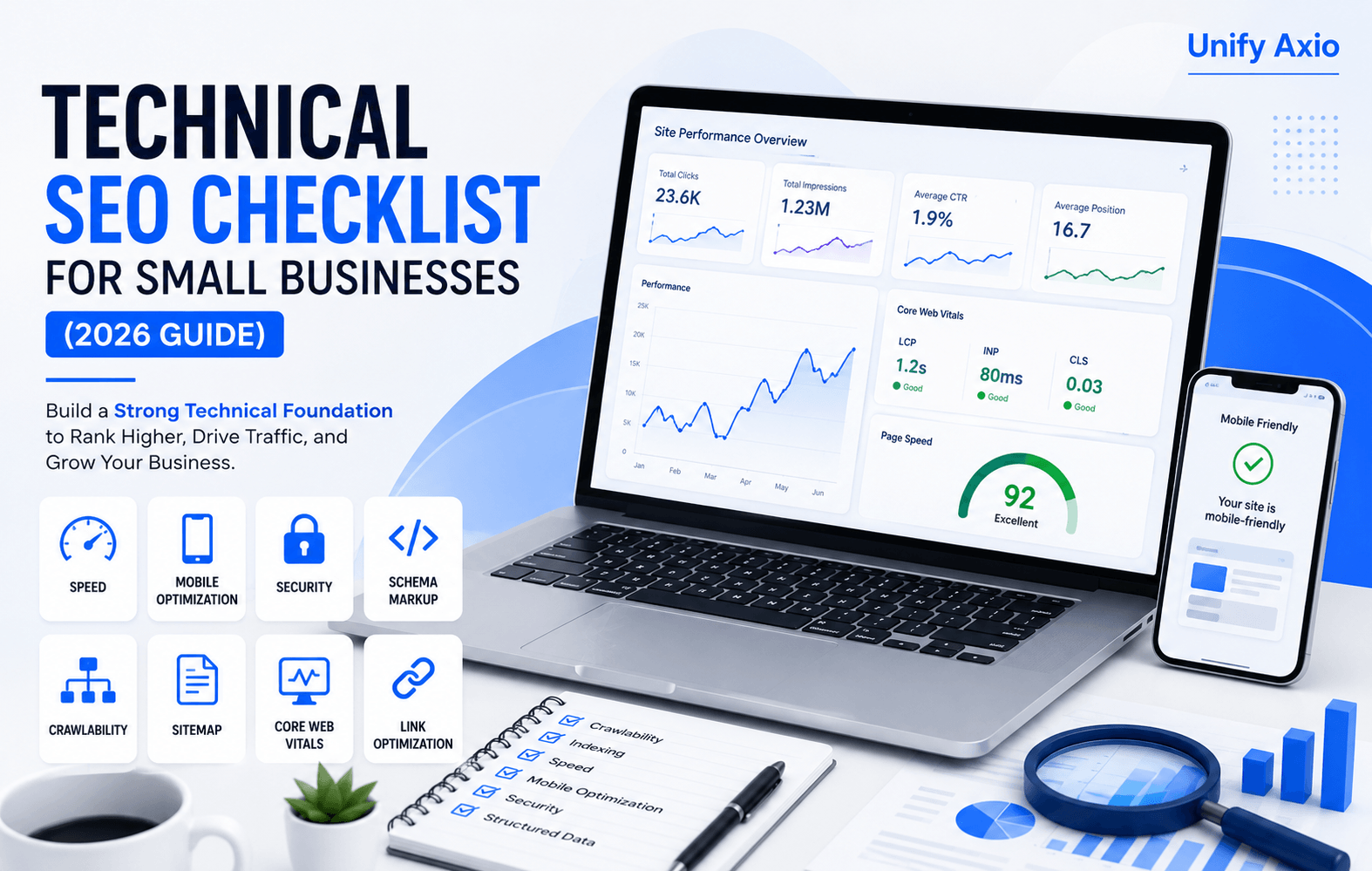
In the rapidly shifting landscape of 2026, having a technical SEO checklist is no longer optional—it’s essential for every small business. Where artificial intelligence (AI) has moved from a supplemental tool to a primary component of every modern marketing plan, your website’s foundation is more critical than ever. While creative content and high-level strategy drive engagement, Technical SEO is the engine under the hood that ensures search engines—and your customers—can actually find you.
Recent data shows that 75% of marketers expect their digital budgets to rise in 2026, yet a “maturity gap” is widening between businesses that simply keep pace and those that pull ahead by mastering their technical stacks. For a small business, a technical error isn’t just a minor glitch; it’s a barrier to revenue.
In this comprehensive guide, you will learn the exact steps to audit your site, fix hidden issues, and optimize for the future of search, including Generative Engine Optimization (GEO) and Answer Engine Optimization (AEO).
Key Takeaways
- Foundation First: You cannot rank high-quality content on a broken technical foundation.
- AI Readiness: Modern Technical SEO is about more than just Google; it’s about making your data “machine-readable” for AI agents.
- User Experience is SEO: Core Web Vitals and mobile responsiveness are non-negotiable standards for ranking in 2026.
- Security is Trust: HTTPS and regular maintenance are essential for building E-E-A-T (Experience, Expertise, Authoritativeness, and Trustworthiness).
What is Technical SEO?
Technical SEO refers to the process of optimizing your website’s infrastructure so that search engine crawlers can access, crawl, and index your content without friction.
Unlike On-Page SEO (which focuses on your keywords and content) or Off-Page SEO (which focuses on backlinks), technical SEO is all about the backend. It involves website architecture, mobile optimization, page speed, and security. Think of it as the “digital plumbing” of your site—if it leaks, your marketing efforts will eventually drain away.
Why Small Businesses Need Technical SEO
Many small business owners believe that technical optimization is only for large enterprises. However, in a crowded marketplace, AI-driven search engines now prioritize websites that provide a seamless, personalized, and rapid user experience.
- Level the Playing Field: A well-optimized small business site can outrank a slow, disorganized enterprise site.
- AI Visibility: By 2026, AI tools will use your technical data to provide “personalized recommendations” to users. If your site isn’t technically sound, these AI agents will ignore you.
- Higher Conversion Rates: Technical SEO improves site speed and usability, which directly correlates to more leads and faster growth.
- Cost Efficiency: Fixing technical issues reduces your bounce rate, meaning you get more value out of every dollar spent on paid advertising or social media.
Complete Technical SEO Checklist
Use this checklist as your roadmap for a professional-grade technical audit.
1. Website Crawlability
Why it matters: If search engine bots (like Googlebot) cannot navigate your site, your pages will never appear in search results. How to check: Use the “Crawl Stats” report in Google Search Console to see how often bots visit your site. How to fix: Ensure your site architecture is logical (flat rather than deep) and remove any accidental “noindex” tags on important pages. Tools: Screaming Frog, Google Search Console.
2. Fix Indexing Problems
Why it matters: Crawling is just the first step. Indexing is when Google actually adds your page to its library. How to check: Search site:yourdomain.com in Google. If the number of results is much lower than your actual page count, you have indexing issues. How to fix: Inspect URLs in Google Search Console to see why they aren’t indexed (e.g., “Crawled – currently not indexed”). Tools: Google Search Console.
3. XML Sitemap
Why it matters: An XML sitemap acts as a map for search engines, telling them which pages are the most important. How to check: Visit yourdomain.com/sitemap.xml. How to fix: Ensure your sitemap is dynamic (updates automatically when you add new content) and submit the link directly to Google Search Console. Tools: Yoast SEO (for WordPress), XML-Sitemaps.com.
4. Robots.txt
Why it matters: This file tells search engines which parts of your site they shouldn’t visit (like your admin login or private files). How to check: Visit yourdomain.com/robots.txt. How to fix: Ensure you aren’t accidentally “disallowing” your entire site or key CSS/JS folders that search engines need to render your pages. Tools: Robots.txt Tester in Google Search Console.
5. Website Speed
Why it matters: In 2026, users expect instant gratification. A one-second delay can significantly drop your conversion rate. How to check: Run your URL through PageSpeed Insights. How to fix: Minimize code (CSS/JS), use browser caching, and implement a Content Delivery Network (CDN). Tools: GTmetrix, PageSpeed Insights.
6. Core Web Vitals
Why it matters: These are Google’s specific metrics for measuring user experience, focusing on loading, interactivity, and visual stability. How to check: Look at the “Core Web Vitals” report in Google Search Console. How to fix: Address “Largest Contentful Paint” (LCP) by optimizing server response times and “Cumulative Layout Shift” (CLS) by setting dimensions for images. Tools: Chrome DevTools, PageSpeed Insights.
7. Mobile Optimization
Why it matters: The majority of web traffic is now mobile. Google uses “mobile-first indexing,” meaning it ranks your site based on the mobile version, not the desktop version. How to check: Use the Mobile-Friendly Test or simply browse your site on several different smartphones. How to fix: Use responsive design so your layout adjusts automatically to any screen size. Tools: Google Mobile-Friendly Test.
8. HTTPS Security
Why it matters: Security is a primary ranking signal. An “unsecured” warning will drive away customers and hurt your E-E-A-T. How to check: Look for the padlock icon in your browser’s address bar. How to fix: Install an SSL certificate (most hosts provide these for free) and ensure all HTTP traffic redirects to HTTPS. Tools: Why No Padlock?, SSL Shopper.
9. Broken Links (404s)
Why it matters: Broken links create a poor user experience and stop search engine bots in their tracks. How to check: Use a site crawler to find 404 errors. How to fix: Redirect broken URLs to a relevant live page using a 301 redirect. Tools: Ahrefs Broken Link Checker, Screaming Frog.
10. Canonical Tags
Why it matters: These tags prevent “duplicate content” issues by telling Google which version of a page is the “master” copy. How to check: View your page source and search for rel=”canonical”. How to fix: Ensure every page has a self-referencing canonical tag unless it is a duplicate of another page. Tools: MozBar, Semrush.
11. Structured Data (Schema Markup)
Why it matters: Schema helps AI engines understand the context of your content (e.g., distinguishing a “product” from a “blog post”). How to check: Use the Rich Results Test. How to fix: Add JSON-LD schema for your local business, reviews, products, and FAQs. Tools: Schema.org, Google’s Structured Data Markup Helper.
12. Image Optimization
Why it matters: Large images are the #1 cause of slow websites. How to check: Check your media library for images over 200KB. How to fix: Use WebP format, compress files, and always include descriptive “Alt Text” for accessibility and SEO. Tools: TinyPNG, Squoosh.app.
13. Internal Linking
Why it matters: Internal links spread “link juice” and help users discover more of your content. How to check: Use Google Search Console’s “Links” report. How to fix: Use descriptive anchor text (not “click here”) to link relevant pages together. Tools: Link Whisper, Yoast SEO.
14. Breadcrumbs
Why it matters: Breadcrumbs improve site navigation for users and help search engines understand your site’s hierarchy. How to check: Look for the navigation trail (Home > Services > SEO) at the top of your pages. How to fix: Enable breadcrumbs in your SEO plugin and ensure they use the correct Schema markup. Tools: Google Search Console (Enhancements report).
15. 404 Errors & Redirects
Why it matters: Frequent 404s signal to Google that your site is poorly maintained. How to check: Monitor the “Coverage” report in GSC for 404 errors. How to fix: Use 301 redirects for permanent moves and 302 redirects only for very temporary changes. Tools: Redirection plugin (for WordPress).
Best Free Technical SEO Tools
You don’t need a massive budget to perform a high-quality audit. Here are the essentials:
- Google Search Console (GSC): The most important tool. It provides direct feedback from Google on your site’s health, indexing, and mobile usability.
- PageSpeed Insights: Analyzes your site’s speed and Core Web Vitals, providing a prioritized list of fixes for both mobile and desktop.
- Screaming Frog (Free Version): A “spider” that crawls your site like a search engine. The free version allows you to crawl up to 500 URLs—perfect for small businesses.
- Ahrefs (Free Webmaster Tools): Offers a comprehensive “Site Audit” that flags technical issues, broken links, and SEO health scores.
- Semrush (Free Version): Excellent for tracking keyword rankings and performing basic competitor analysis.
Common Technical SEO Mistakes
Even experienced marketers make these errors. Avoid them to stay ahead:
- Ignoring Mobile Users: Designing for desktop first and “fixing” mobile later. In 2026, mobile is the primary asset.
- Over-reliance on Plugins: Too many SEO plugins can actually slow down your site and create code conflicts.
- Blocking Important Files: Accidentally hiding your CSS or Javascript files in robots.txt, which prevents Google from seeing how your site actually looks.
- Not Monitoring GSC: Treating SEO as a “set it and forget it” task. Technical issues can appear overnight after a theme or plugin update.
How Often Should You Perform a Technical SEO Audit?
Technical SEO is an ongoing process of improvement.
- Full Audit: Quarterly. Check for new crawl errors, broken links, and site speed changes.
- Mini-Check: Monthly. Review your Google Search Console “Coverage” and “Experience” reports.
- Post-Update Check: Immediately. Always run a speed and mobile test after updating your theme, plugins, or moving to a new host.
Frequently Asked Questions
1. Does technical SEO improve my rankings?
Yes. While content is king, technical SEO ensures that the king has a castle to stand on. Without it, your content may never be seen by search engines.
2. Is a slow website really that bad for SEO?
Yes. Page speed is a confirmed ranking factor. Furthermore, AI search engines prioritize fast sites when generating real-time answers for users.
3. Do I need to be a developer to do technical SEO?
Not necessarily. Tools like Google Search Console and various WordPress plugins make it easier for small business owners to handle basic tasks, though complex issues may require an expert.
4. What are Core Web Vitals?
They are three specific metrics—Loading (LCP), Interactivity (FID/INP), and Visual Stability (CLS)—that Google uses to score your site’s user experience.
5. Why is HTTPS important for a small business?
It encrypts data and builds trust. Without it, browsers will label your site as “Not Secure,” which kills your conversion rate.
6. What is Schema markup?
It is a “code language” added to your site to help search engines provide more informative results (rich snippets) and help AI agents understand your business details.
7. Can I fix 404 errors myself?
Yes. You can use redirect plugins to point broken URLs to active pages. This preserves your “link equity” and improves user experience.
8. How does AI change Technical SEO in 2026?
AI engines like ChatGPT and Gemini now “read” your site’s technical data to provide answers. High-quality structured data and fast loading speeds are now requirements for being cited as an AI source.
Conclusion
Technical SEO is no longer an optional “extra” for small businesses—it is the bedrock of your digital presence in 2026. By following this checklist, you ensure that your website is faster, more secure, and ready for the future of AI-driven search.
However, we know that as a business owner, your time is best spent running your company, not chasing 404 errors and optimizing Javascript.
Ready to turn your website into a revenue machine? Contact Unify Axio today for a professional Technical SEO audit. Let our experts handle the “digital plumbing” while you focus on growth.